There is a familiar, frustrating moment in decorating. You find the perfect sofa online. Right color, right shape, right price. You buy it. It arrives, and somehow it looks completely different in your actual living room.
The sofa is not the problem. The problem is that visualizing furniture in your own space is genuinely hard. That is the gap AI interior design is built to close.
What AI interior design actually does
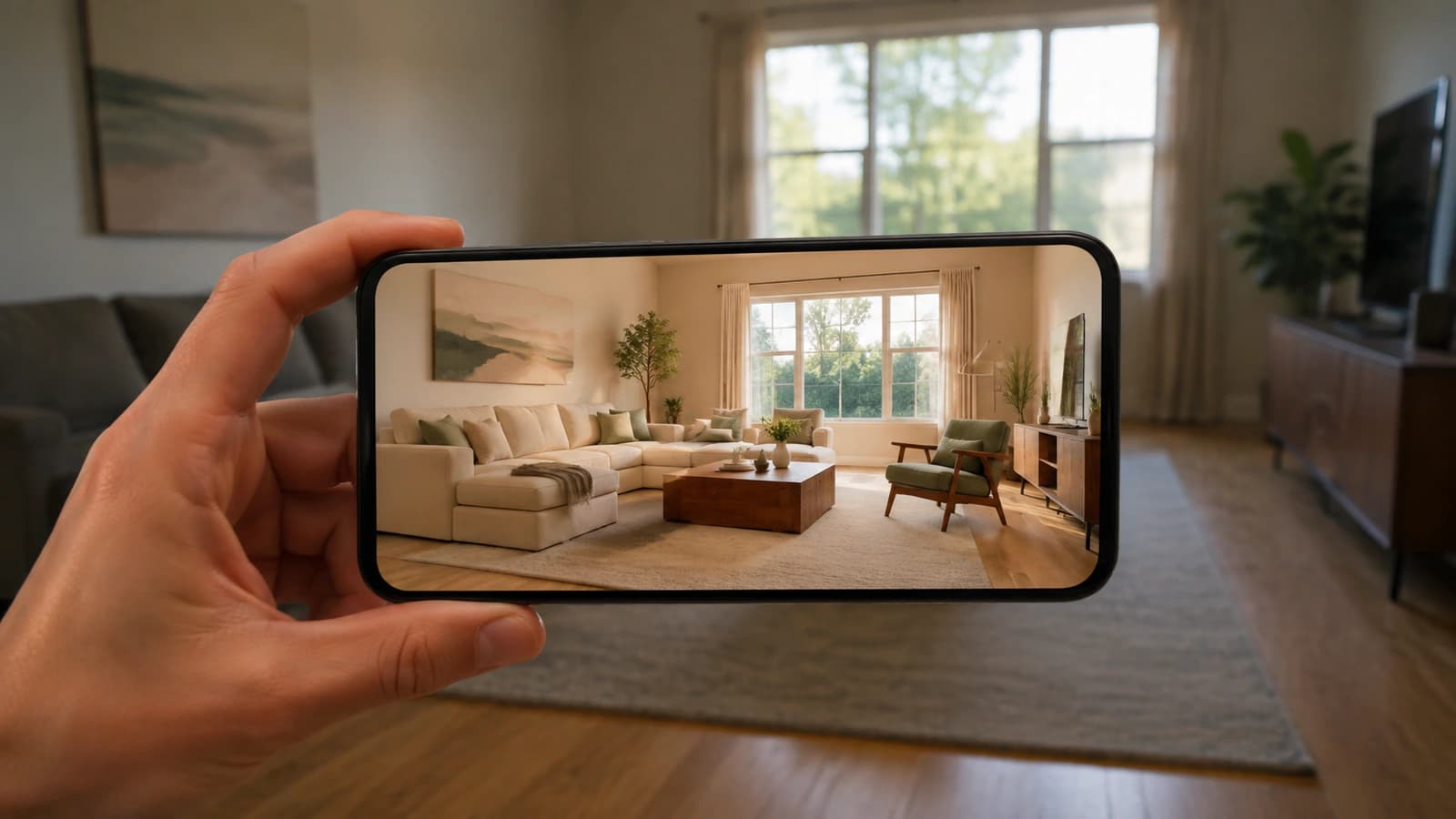
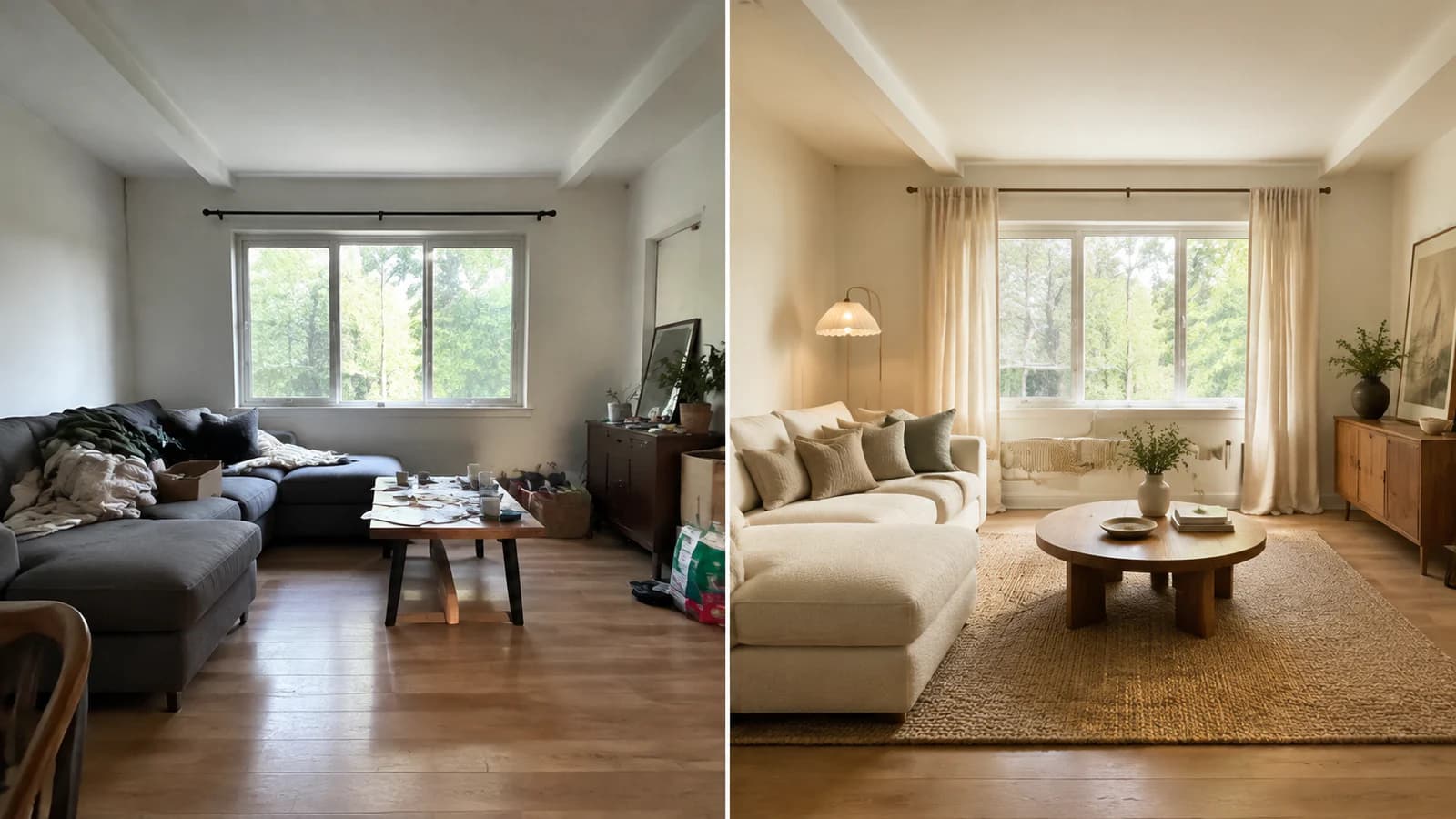
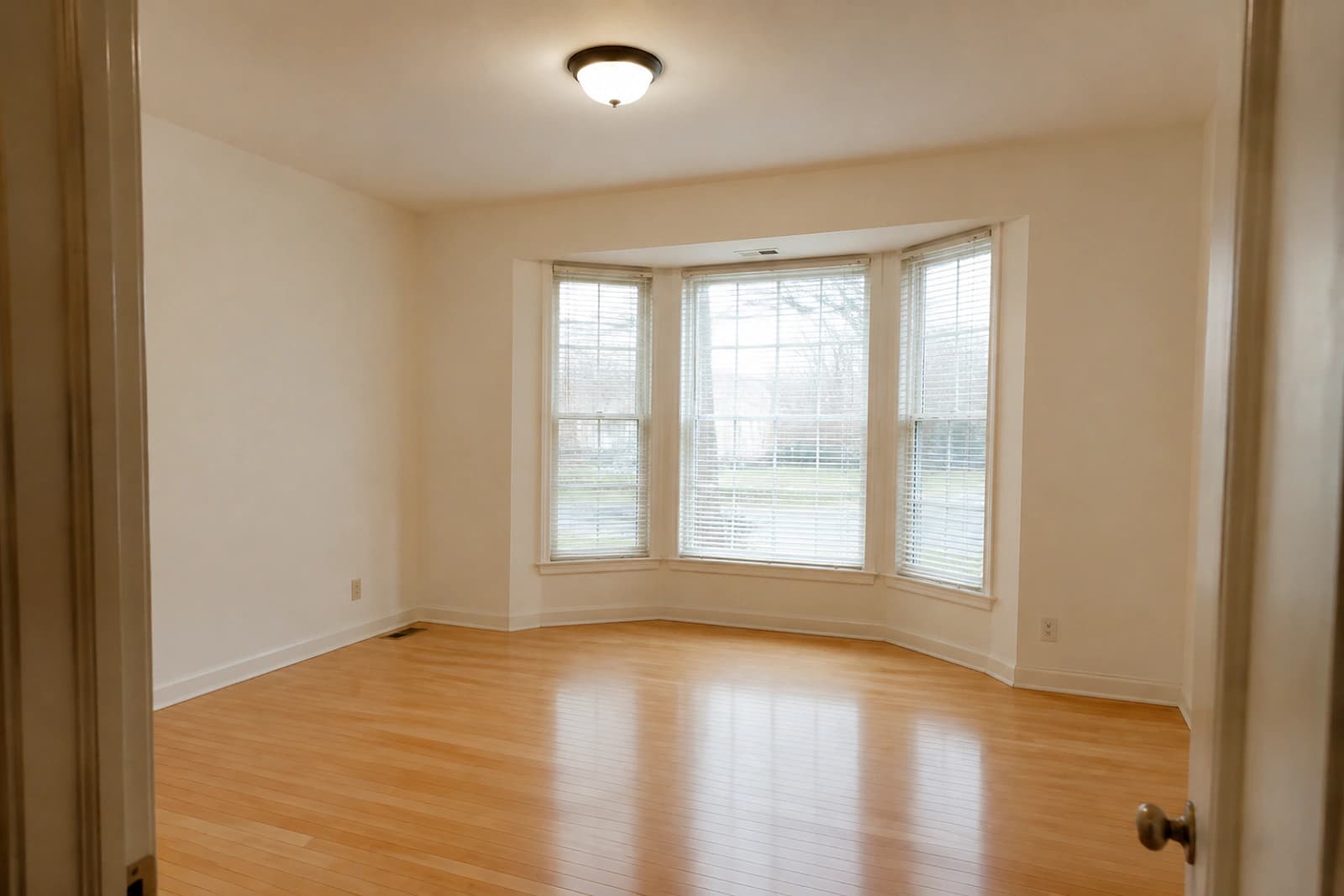
An AI interior design tool takes a photo of your real space and uses it as the starting point for a new design. Not a generic stock living room. The room you are standing in right now, with its windows, its ceiling height and its light.
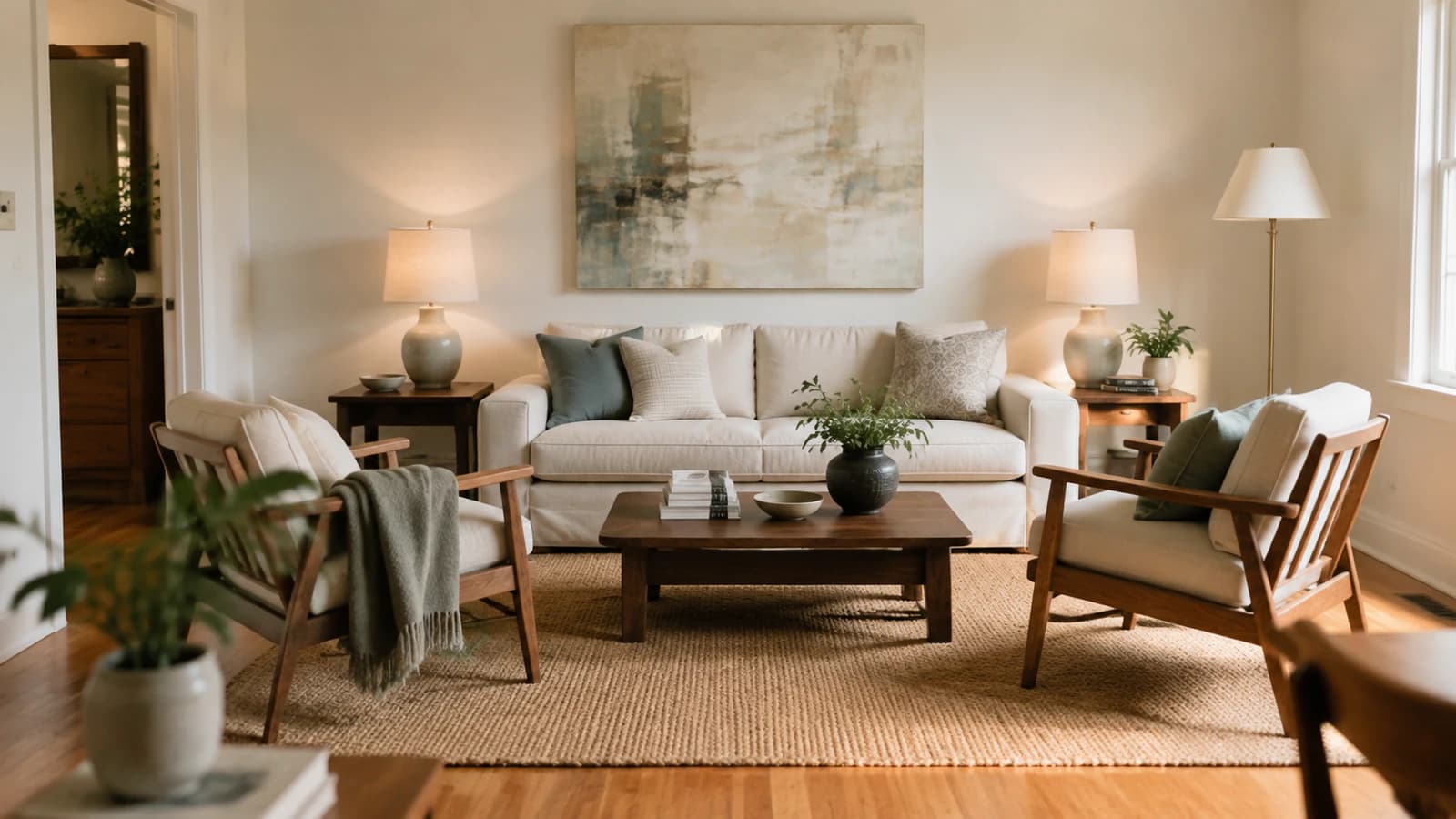
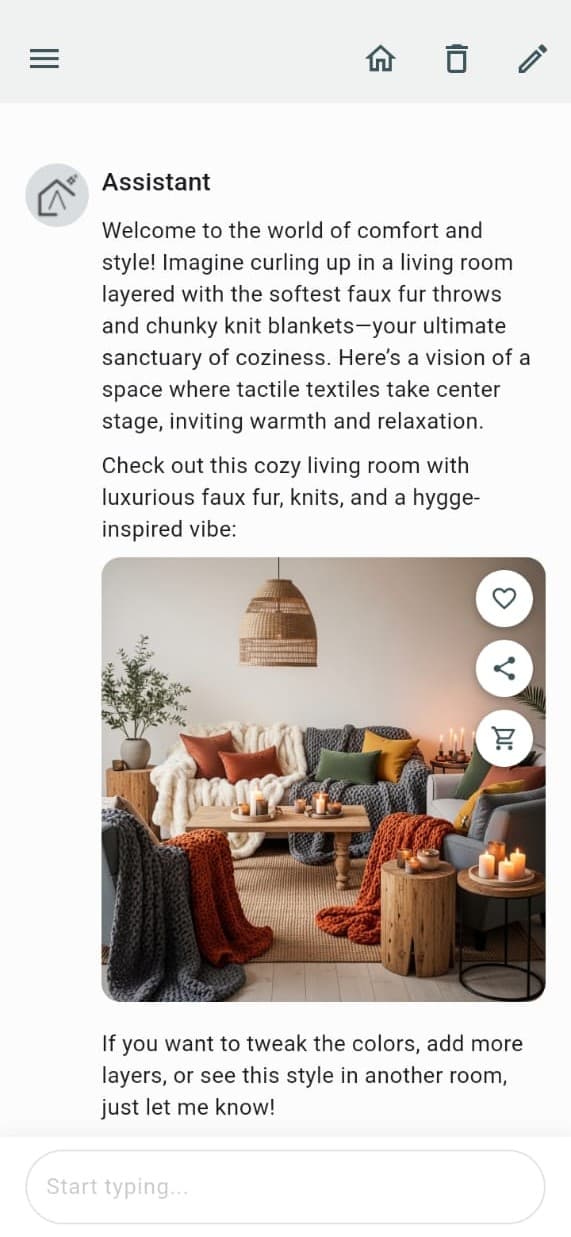
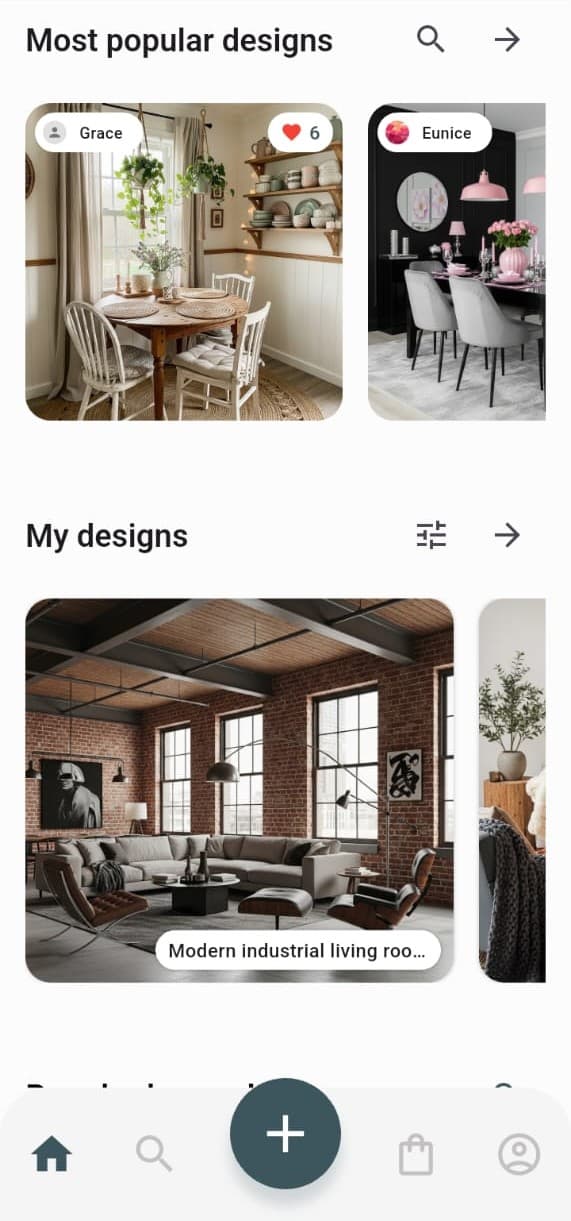
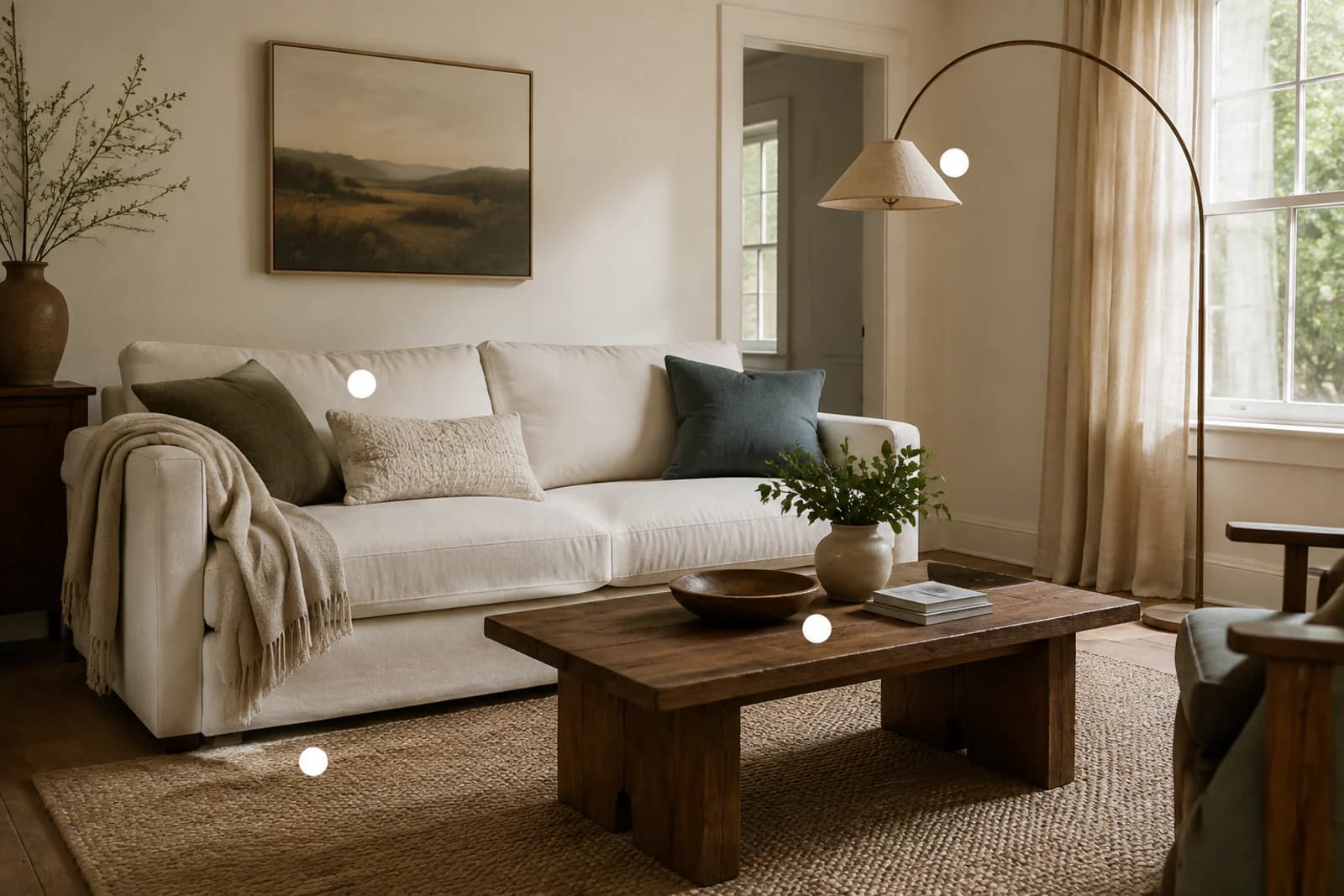
With Clavis, you upload a photo, describe the direction you want, and get back a photorealistic redesign of your own space. From there, the design connects to real, shoppable furniture and decor, so the image is the beginning of a shopping list rather than the end of a daydream.
- 01
Upload a photo
Any phone photo works, clutter included. A floor plan works too if you are earlier in the process.
- 02
Describe the direction
A sentence is enough: the style, the mood, one or two materials you love.
- 03
Get your room back, redesigned
A photorealistic concept of your space, with the architecture preserved.
- 04
Shop or regenerate
Tap a piece to see the real product, or try another direction until one feels right.
Why that beats a moodboard
A moodboard tells you what you like. An AI visualization tells you whether that idea actually works in your room. Those are different questions, and the second one has a much more useful answer, because it is the one that decides whether you keep the sofa.
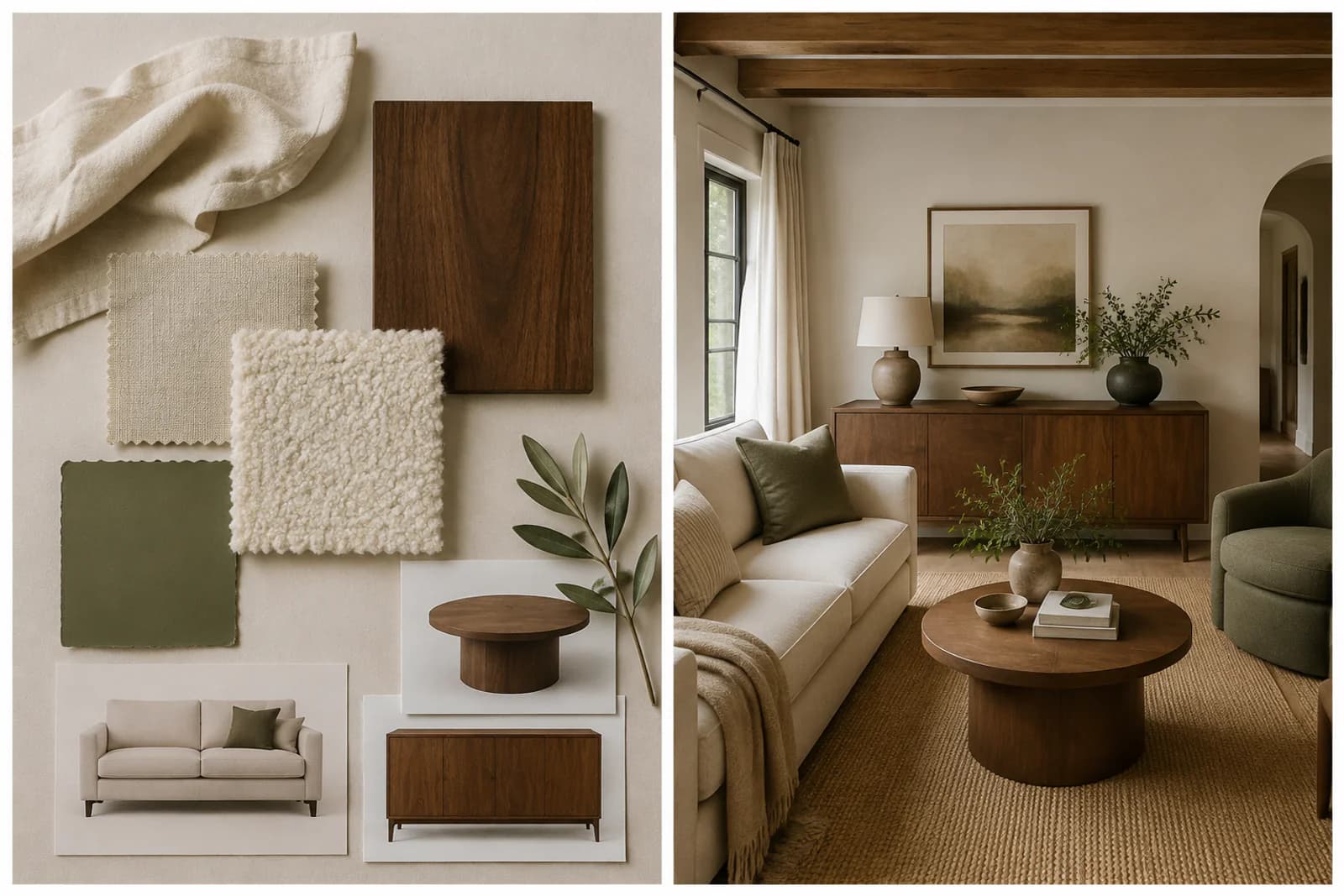
Pinterest and Instagram are still great for finding a direction. If you are not sure what to type into the app yet, our guide to finding your interior design style is the place to start. But once you have a direction, stop saving other people's rooms and start testing your own.
What to look for in an AI design app
There is no shortage of tools that will generate a pretty room. Fewer will help you make a decision. Four things separate the two.
| It should... | Why it matters | What to check |
|---|---|---|
| Use your actual room | Generic showroom renders tell you nothing about your windows, proportions or light. | Can you upload a photo of the room, not pick from templates? |
| Preserve the room | If the walls, windows and layout change, you are looking at a different room entirely. | Compare the render to your photo. Is the architecture still yours? |
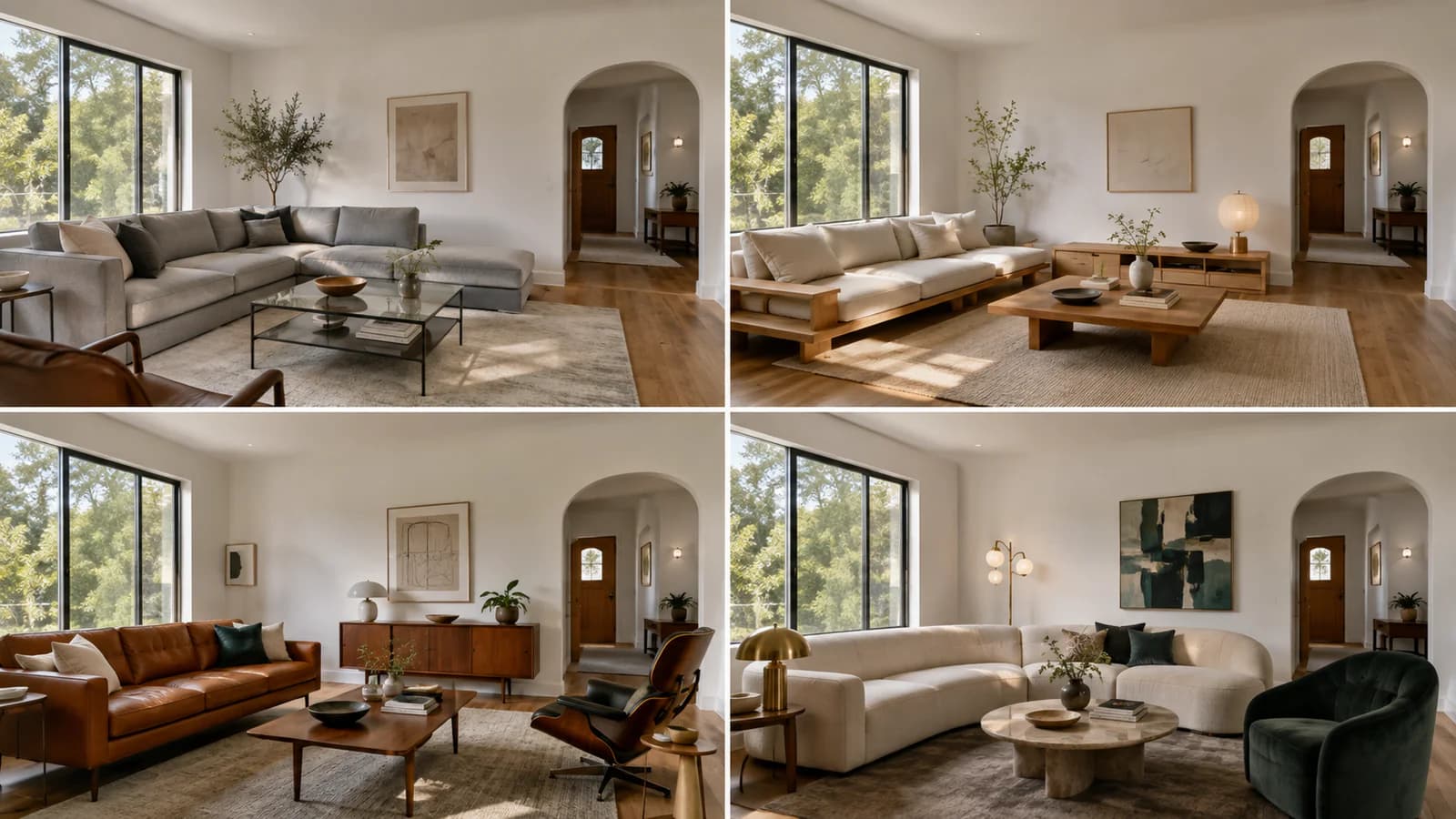
| Offer real style range | You want to test ideas, not be locked into the one aesthetic the app prefers. | Try two very different directions on the same photo. |
| Lead somewhere | A pretty image is not the finish line. Eventually you need to know what to buy. | Can you tap a piece and see a real product with a real price? |
Clavis was built around all four. It works from your photo, keeps the room recognizable, lets you regenerate in any style from Japandi to maximalist, and connects every generated design to real products you can shop directly from the room you just created. For a fuller checklist, including floor plans and what an app is not for, see what to look for in interior design apps.
AI does not replace measurements
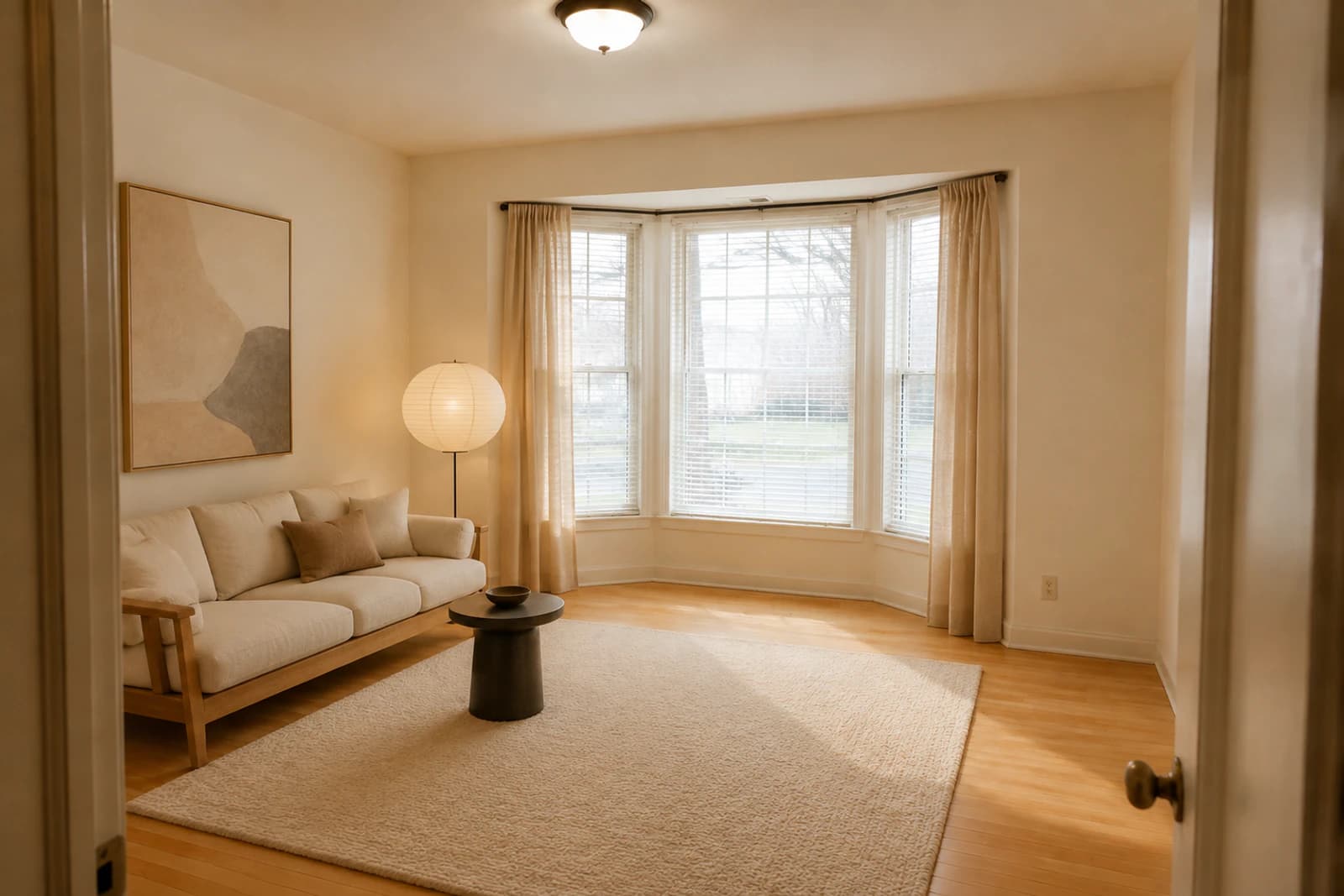
Treat the render as the moment you decide what to look for, and the product page as the moment you decide whether it fits. Both steps matter. Skipping the second one is how a beautiful concept turns into a return.
How to actually use it
Use it before the expensive decision, not after. Instead of asking whether one specific sofa will work, run a few cheap experiments on the same photo:
- Three sofa colors
- Two furniture layouts
- Four design styles
- A few different rugs
- Different lighting and wall colors
Then narrow it down. You are testing the room before you commit to it, which is a much cheaper mistake to make on a screen than in your living room. If the room in question is a living room, the layout-first approach in our living room guide pairs well with this: fix the arrangement first, then let the app try the finishes.
Why this category is growing
Search interest around AI interior design has been climbing, and the intent behind it looks practical rather than aspirational. People are searching for apps, virtual staging, small-space help and cost comparisons. That is a meaningful signal: the searcher is not browsing for inspiration. They are looking for a tool.
It also explains why the tools are converging on the same promise. Whether you live in a small house or a large one, the question is the same: what would this actually look like here? A photo of your room answers it faster than any amount of scrolling.
Your room already exists. Now you can experiment with what it could become.